Best Aspect Ratio for AI Video Ads: 9:16 vs 1:1 vs 16:9 (Seedance 1.5 Test)
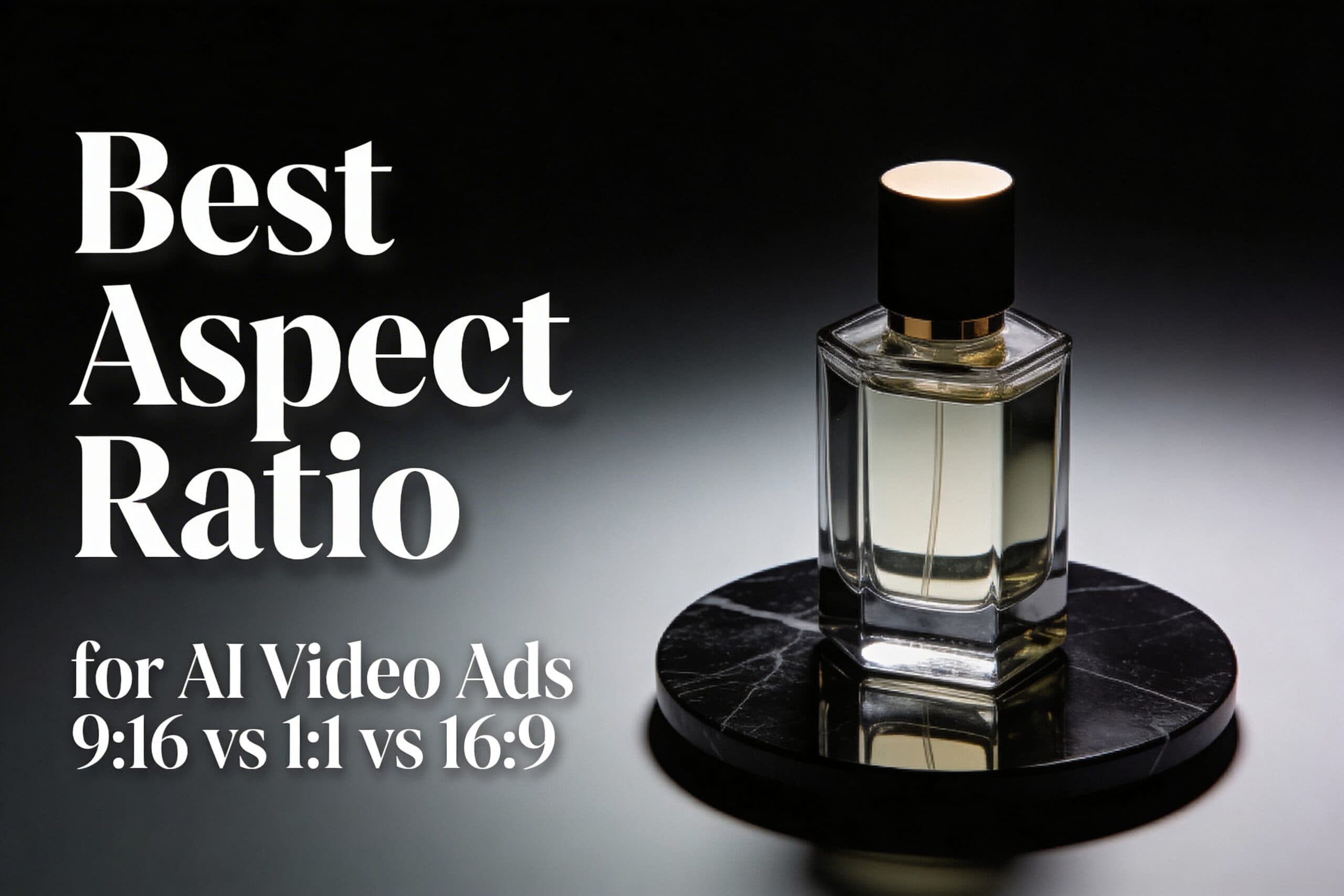
The best aspect ratio for AI video ads depends on where the clip runs. This test shows what changes when only the frame changes: 9:16 vs 1:1 vs 16:9, using the same Seedance 1.5 setup.
Best aspect ratio for AI video ads: quick verdict
- 9:16 (vertical): best default for TikTok/Reels/Shorts style placements. It fills the screen and keeps the product big.
- 1:1 (square): safest for multi-placement campaigns. It crops cleanly for feeds and carousels.
- 16:9 (landscape): best for YouTube-style placements, landing pages, and product pages. It gives more room for context.
Test setup (Seedance 1.5)
The test was run three times with the same prompt, the same first frame, and the same settings. Only the ratio changed.
- Model: Seedance 1.5 (image-to-video)
- Duration: 5s
- Resolution: 480p
- Audio: off
- Seed: 1
- Camera: slow orbit + slight push-in
First frame used (input)

Prompt used for all three videos
Prompt: A cinematic studio product ad. The luxury perfume bottle from the first frame stands centered on the matte black marble surface. The camera makes a slow smooth orbit with a slight push-in. Keep the product sharp and realistic, with clean reflections and soft specular highlights. Dark premium background, no text.
Results: 9:16 vs 1:1 vs 16:9 (what changes)
Aspect ratio changes three practical things: how big the product feels, where empty space ends up, and how risky future crops become.
| Ratio | Best for | What it changes in AI outputs | Common failure mode |
|---|---|---|---|
| 9:16 | Reels, TikTok, Shorts, story-style ads | Forces tighter framing. The product stays large. Background details get sacrificed first. | Over-tight crops that clip the top/bottom of the subject. |
| 1:1 | Feeds, carousels, mixed placements | Balanced framing. Usually the safest for later crops. | Too much empty space if the prompt expects a tall frame. |
| 16:9 | YouTube placements, landing pages, product pages | Adds lateral context. The product can feel smaller unless the prompt forces center framing. | Subject drift to the side, making later vertical crops painful. |
9:16 (vertical): best for full-screen attention
9:16 makes the product feel closer. That is good for quick-scroll placements. It also reduces the amount of background the model needs to invent.

When 9:16 wins
- The ad will run as a full-screen mobile placement.
- The product must stay large and readable.
- The edit will add captions or overlays, so the frame needs strong contrast.
1:1 (square): safest for multi-placement reuse
1:1 usually survives the most reuse. It can be cropped to 4:5, 9:16, or 16:9 later with fewer surprises. It is the best default when the final placement is unknown.

When 1:1 wins
- The same creative must work across multiple feeds.
- The editor needs flexibility for future crops.
- The product must stay centered with minimal layout risk.
16:9 (landscape): best for context and web placements
16:9 gives more room for shadows, surfaces, and background context. It can look more “cinematic”. For ads, it often needs a stronger instruction to keep the product centered and large.

When 16:9 wins
- The clip will live on a landing page, product page, or YouTube placement.
- The ad needs more environmental context than a tight product hero shot.
- The creative wants extra room for on-screen copy in post (without covering the product).
A prompt template that stays crop-safe
Use this structure when the same concept must survive multiple ratios:
- Start with the format: “commercial product ad video”
- Force composition: “product centered” + “leave negative space”
- Pick one camera move: “slow push-in” or “slow orbit”
- Lock brand safety: “no text, no logos”
Template: [RATIO] commercial product ad video. [SUBJECT] centered on [SURFACE]. Soft studio lighting, realistic reflections. One smooth camera move: [MOVE]. Clean background, no text, no logos. Leave negative space for safe cropping.
Common mistakes (and how to avoid them)
- Changing two variables at once: keep prompt, seed, duration, and resolution fixed when testing ratios.
- Letting the subject drift: add “centered” and “keep the product centered” to the prompt.
- Forgetting overlay safe areas: keep key details away from the top and bottom edges for vertical placements.
FAQ
Should 9:16 always be used for AI video ads?
No. 9:16 is a strong default for full-screen mobile placements. If the creative must be reused across feeds, 1:1 is often safer.
Is it better to generate one ratio and crop later?
For AI video, generating the target ratio usually looks cleaner. Crops can cut off motion and composition. If one master is needed, 1:1 often survives cropping best.
What if the placement is unknown?
Start with 1:1 and keep the subject centered. Then regenerate 9:16 for Reels/TikTok if the campaign needs a full-screen version.
Try it on Seedance 1.5
Run the same prompt in 9:16, 1:1, and 16:9. Change only one variable at a time. Then pick the ratio that matches the placement.
Next reads: Seedance 1.5: 5 Vertical (9:16) Video Prompts, Seedance 1.5 vs Kling 2.6: 5 Prompt Video Test, Kling V3 Omni vs Wan 2.6: 5 Prompt Test (9:16).
Seedance 2.0
Transform your images into stunning AI-generated videos with the most advanced video generation model.
Try Seedance 2.0 Now